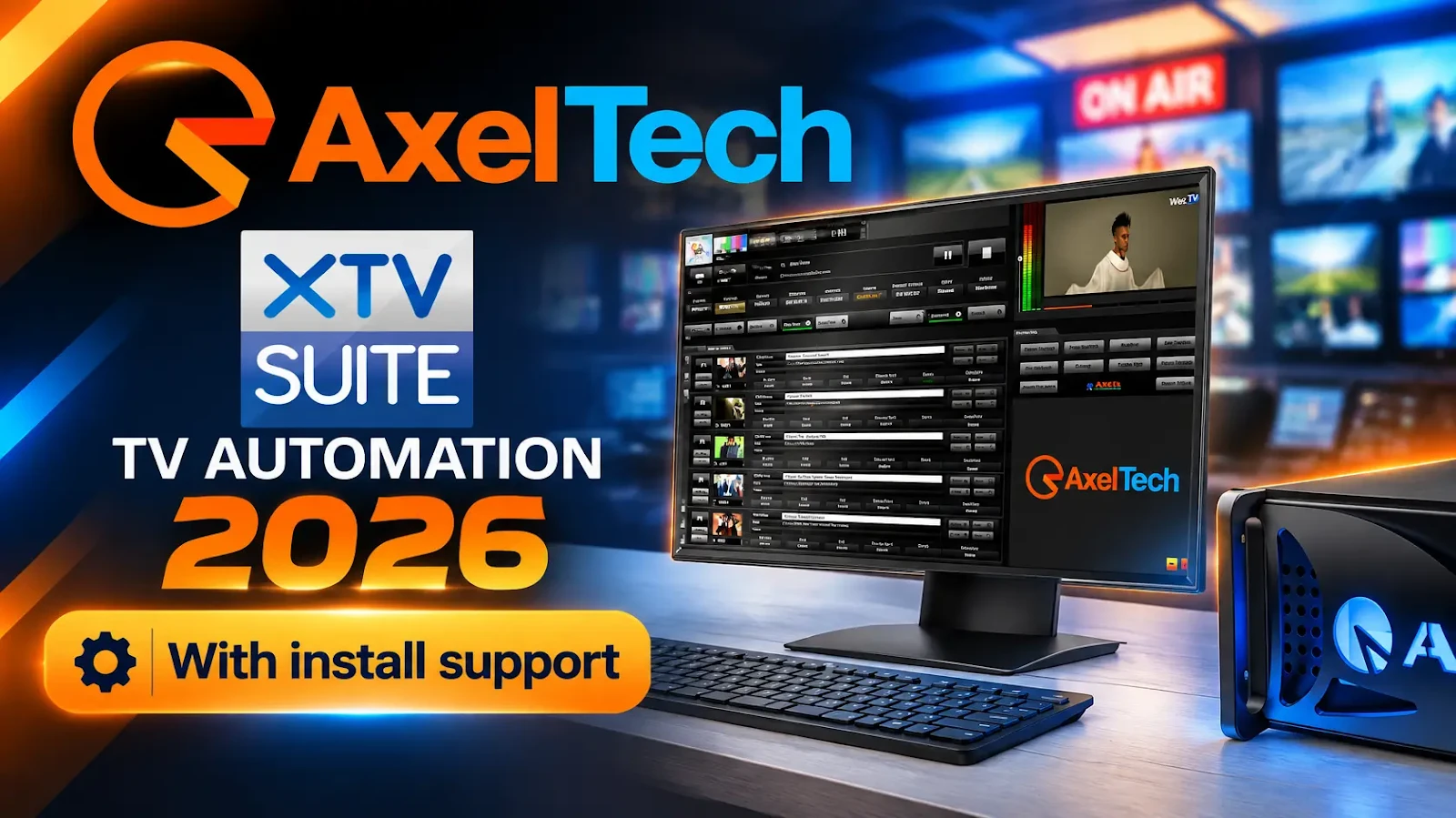
Axel XTV Suite TV Automation: 24/7 Playout Installation
Axel XTV Suite is a Windows-based television automation system for stations that cannot afford a gap on air. It is built to run unattended, 24 hours a day, covering playout, capture, trimming and scheduling in one set of tools. Its Channel In A Box design lets a single machine act as a complete channel, and the same approach scales up when you add more channels. The playout engine, XPlayout, plays most common video file types and automatically corrects size, frame rate and aspect ratio so mixed media goes to air cleanly. You build the day in a playlist, add crossfades between clips, and the system can reload the last playlist after a restart. A traffic scheduling tool and automatic folder loading take care of repeating programming, and the playout can skip or trim items when a schedule runs late. Output is flexible. XTV Suite works with SDI video cards from makers such as Blackmagic Design, AJA and Bluefish, and with IP outputs including NDI, UDP, RTMP, HLS and RTSP, so the same channel can feed a transmitter, a streaming server and a monitor wall. Your own logo, clock, ticker and crawl run as an overlay on the program, and live SDI or NDI sources can be inserted into the schedule. Typical users are local TV stations, satellite and cable channels, web TV and church channels, corporate and hotel TV, and signage or museum information screens. A reliable channel comes from a correct setup, not from the software alone. We install and configure XTV Suite on your Windows machine, match it to your video card, set the output format and audio channels, build your first playlist and graphics, and test it before you go live in 2026. Send us your hardware, your video card model and what you want to broadcast. Axel XTV Suite runs on Windows. Your video card decides which outputs you can use: SDI needs a supported card from Blackmagic Design, AJA or Bluefish, and SMPTE 2110 needs specific cards. Check Axel Technology's documentation for your version, or send us your PC specification and we will confirm it before you buy hardware.
Key Features
- Unattended 24/7 TV playout with Channel In A Box design
- Playlist scheduling with crossfades and automatic loading of the last playlist
- Plays most video file types with automatic scaling and frame-rate correction
- SDI output on supported cards, plus NDI, UDP, RTMP, HLS and RTSP outputs
- Logo, clock, ticker and crawl graphics over the program
- Live SDI/NDI inputs for inserting live sources into the schedule
- Support for Blackmagic Design, AJA and Bluefish video cards
Conclusion & Overview
Secure your copy of Axel XTV Suite TV Automation: 24/7 Playout Installation today to elevate your system productivity. If you encounter any configuration or installation challenges, our dedicated technical support is accessible instantly via the live chat assistance channel.