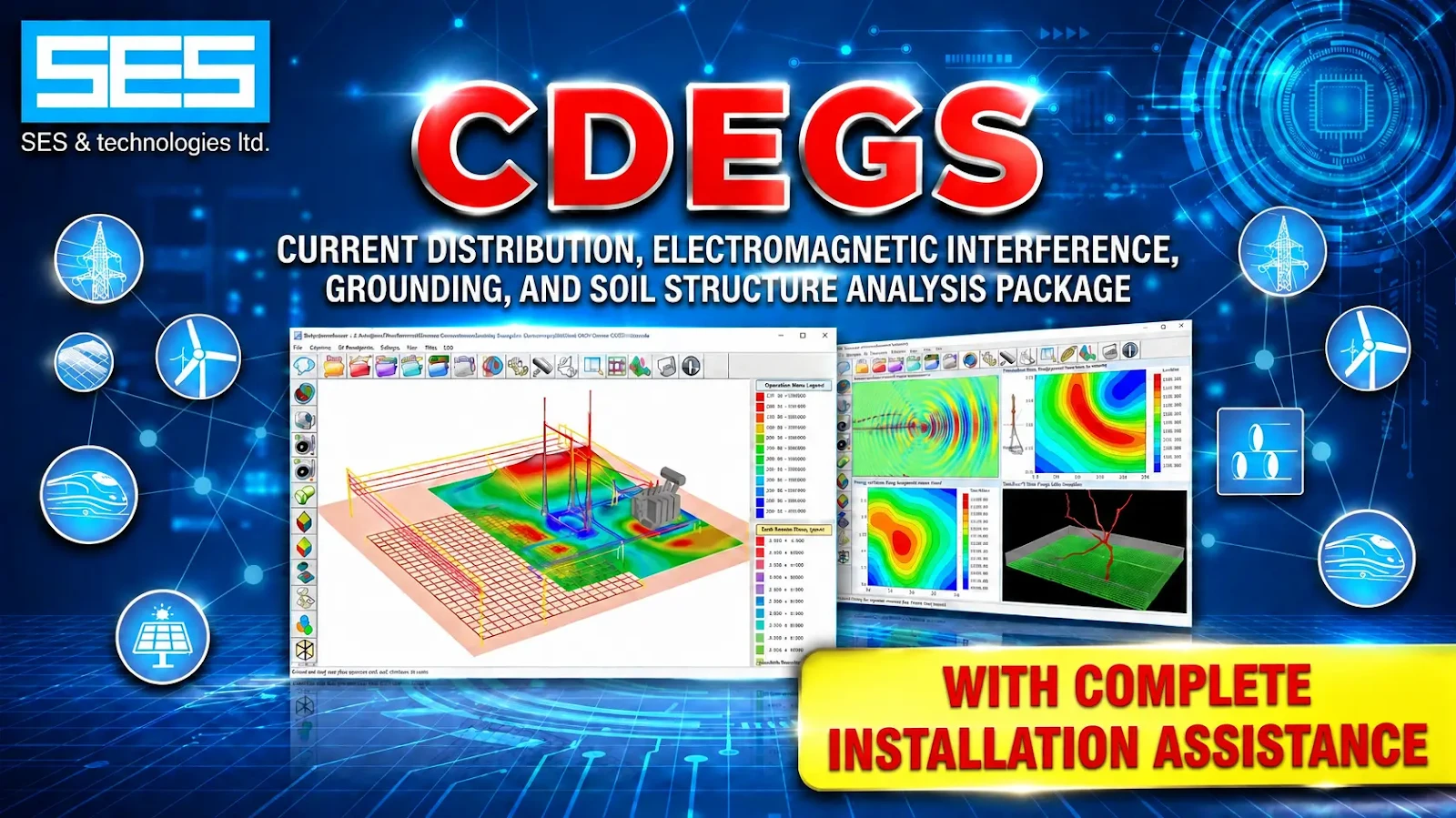
CDEGS Installation Guide: Setup & License Support (Windows)
CDEGS is a professional software package for grounding and earthing system analysis. Engineers use it to study soil structure, ground potential rise, touch and step voltages, current distribution and electromagnetic interference in power systems, substations and other facilities. It is organized into modules such as RESAP for soil resistivity analysis and MALZ for grounding system analysis, so a working installation needs more than a single setup file. Installing engineering software is rarely a one-click job. Setup can fail because of system settings, security software, missing components or licensing problems. Our support service guides you through each step of installing CDEGS on Windows and checking that it starts correctly afterwards. We also help with license problems. Typical cases include license-not-found messages, license detection failures after installation, modules that won't start, and errors that appear after a Windows update or a computer change. Send us a screenshot of the error and tell us which module you are opening, and we will help you find the cause and fix it. How it works: contact us on WhatsApp, share your Windows version and the error you see, and we guide you through the fix step by step. Many problems are solved in a single session. The video instruction at the bottom of this page shows the installation process. This service is for users with a valid CDEGS license.
Key Features
- Grounding System Analysis
- Soil Resistivity Analysis
- Soil Structure Modeling
- Ground Potential Rise (GPR)
- Touch and Step Voltage Analysis
- Current Distribution Analysis
- Electromagnetic Field Analysis
Conclusion & Overview
Secure your copy of CDEGS Installation Guide: Setup & License Support (Windows) today to elevate your system productivity. If you encounter any configuration or installation challenges, our dedicated technical support is accessible instantly via the live chat assistance channel.